What Happens on Your Device, Stays on Your Device: Bringing Apple's Privacy Standard to Web Tools
Apple made on-device privacy a mainstream expectation. Lumli brings that same local-first idea to browser-based photo and PDF tools.
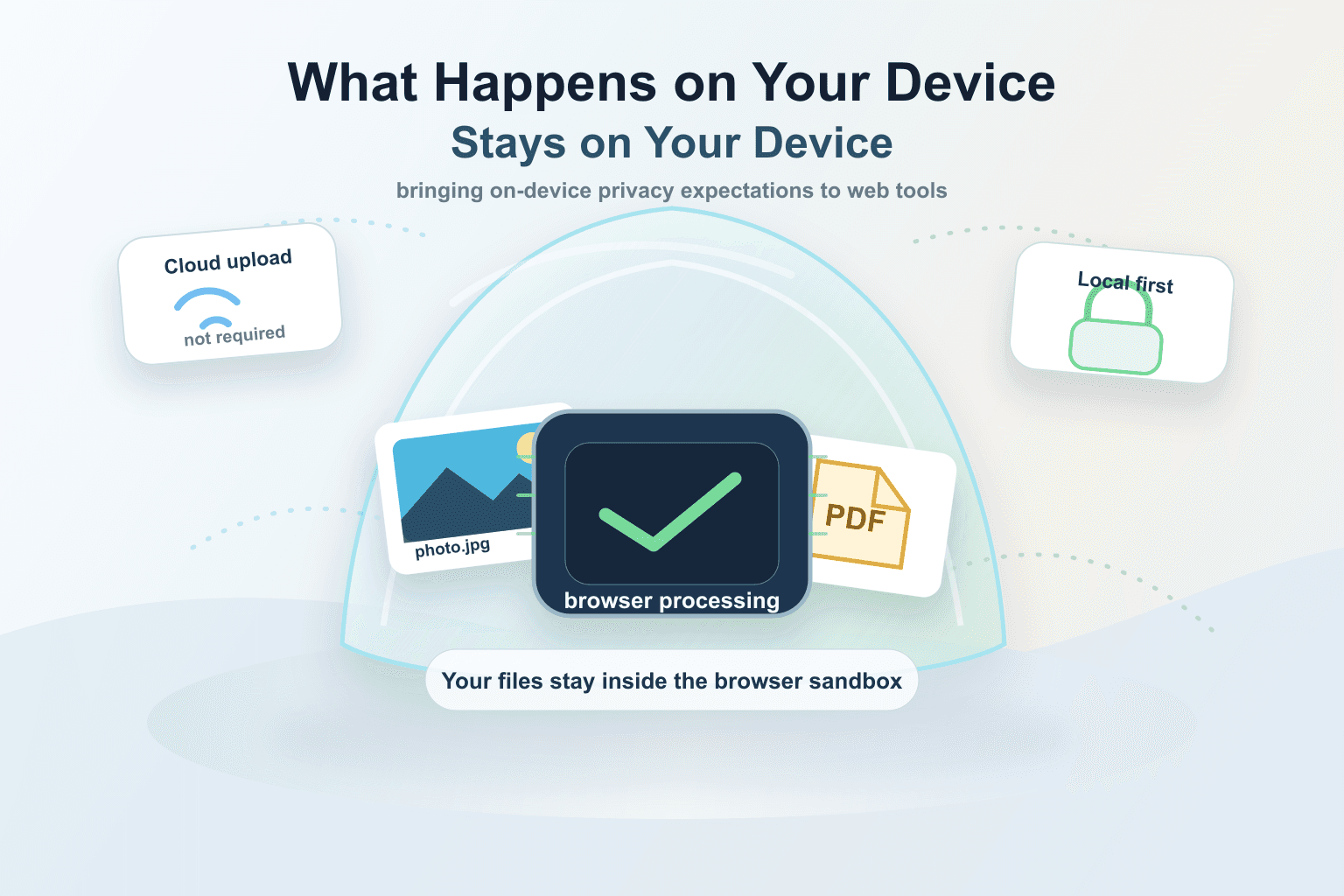
Apple did something rare in consumer technology: it made privacy feel like a product feature people could understand.
The idea was simple enough to fit on a billboard. Your device should not be treated as a waiting room for someone else’s server. If a task can happen on the device, it should happen on the device.
Lumli is not affiliated with Apple. But the privacy expectation Apple helped make mainstream is exactly the expectation web tools should finally meet.
The best privacy feature is the one that removes the upload from the workflow.
Apple made on-device processing feel normal
On Apple’s current privacy page, the company presents on-device processing as a core privacy idea: many personal requests can be fulfilled without collecting the user’s data. Apple also describes Photos features like face recognition and scene detection as happening on device instead of in the cloud.
Even when Apple introduced more complex AI features, it still framed the architecture around an on-device-first model, with Private Cloud Compute only for requests that need more power than the device can provide.
Read Apple’s Private Cloud Compute overview
That is the important part for everyday users: privacy is not only a legal promise. It is an engineering decision about where the work happens.
Why web tools became cloud-first
The web did not start with this standard. For years, browser tools were treated like thin clients. The page was just the interface. The real work happened on a server.
That made sense for a long time. Older browsers were weaker. File APIs were limited. Heavy image and document processing was easier to run in a backend. Cloud storage made accounts and subscriptions easier to sell. Analytics, sync, team workflows, and server-side processing all became the default business shape of web software.
So online editors learned the same habit: upload the file, process it remotely, store or preview the result, then send it back.
The problem with that habit
For collaboration, cloud workflows can be great. But for simple personal tasks, the cloud-first habit is overkill.
- A private photo should not need a server just to remove a background.
- A PDF should not need a cloud account just to compress or split pages.
- A client image should not become remote data just to resize it.
- A school document should not be uploaded to a random editor just to make it smaller.
The user already has a powerful device. Modern MacBooks, iPhones, iPads, Windows laptops, and Android phones can handle many common file tasks locally. Modern browsers can run serious processing too, especially when tools are designed around local execution from the start.
Lumli brings that expectation to web tools
Lumli’s local-first approach asks a simple question before using the cloud: does this task actually need a server?
For supported photo and PDF workflows, the answer is no. The file can be selected from your device, processed inside the browser, previewed in the tab, and downloaded back to your device.
That means the original file does not need to be uploaded to Lumli before common edits can happen. The browser becomes the workspace instead of a doorway to a remote processing queue.
Why Apple users immediately understand this
If you use a MacBook, iPhone, or iPad, you already understand the emotional value of local control. You expect photos, health data, messages, passwords, and private files to be handled carefully. You expect the device to do more work before the cloud gets involved.
Web tools should respect the same instinct. A browser-based editor should not feel like a privacy downgrade just because it is convenient.
The best web tools should feel more like good native utilities: fast, quiet, local by default, and clear when a task really requires the network.
Local-first does not mean anti-cloud
Cloud tools still matter. Collaboration, shared folders, multi-device sync, approval workflows, backups, and large team projects often need servers.
But a lot of everyday editing is not that. It is one person, one file, one quick task. For that workflow, local-first is the better default.
The point is not to copy Apple’s branding. It is to bring the same privacy expectation to the open web: what happens on your device should stay on your device whenever the task allows it.
That is what Lumli is built for.
Want web tools that feel local-first?
Use Lumli for supported photo and PDF tasks that run in your browser, so your original files do not need a cloud upload step before the work can happen.
Try LumliKeep reading
Related articles
Cloud AI vs. Local AI Photo Editors: Which One Protects Your Privacy?
A simple technical comparison of cloud AI editors and local AI photo tools, and what each model means for your private images.
Read articleHow to Use AI Photo and PDF Tools in Low-Bandwidth or Restricted Networks
A practical guide to using local-first browser tools when cloud editors are slow, blocked, filtered, or too upload-heavy.
Read articleAre Online Image Editors Using Your Private Photos to Train Their Next AI Models?
A creator privacy guide to the fine print behind online image editors, AI training, uploaded photos, and why local editing avoids the trust problem.
Read article