Are Online Image Editors Using Your Private Photos to Train Their Next AI Models?
A creator privacy guide to the fine print behind online image editors, AI training, uploaded photos, and why local editing avoids the trust problem.
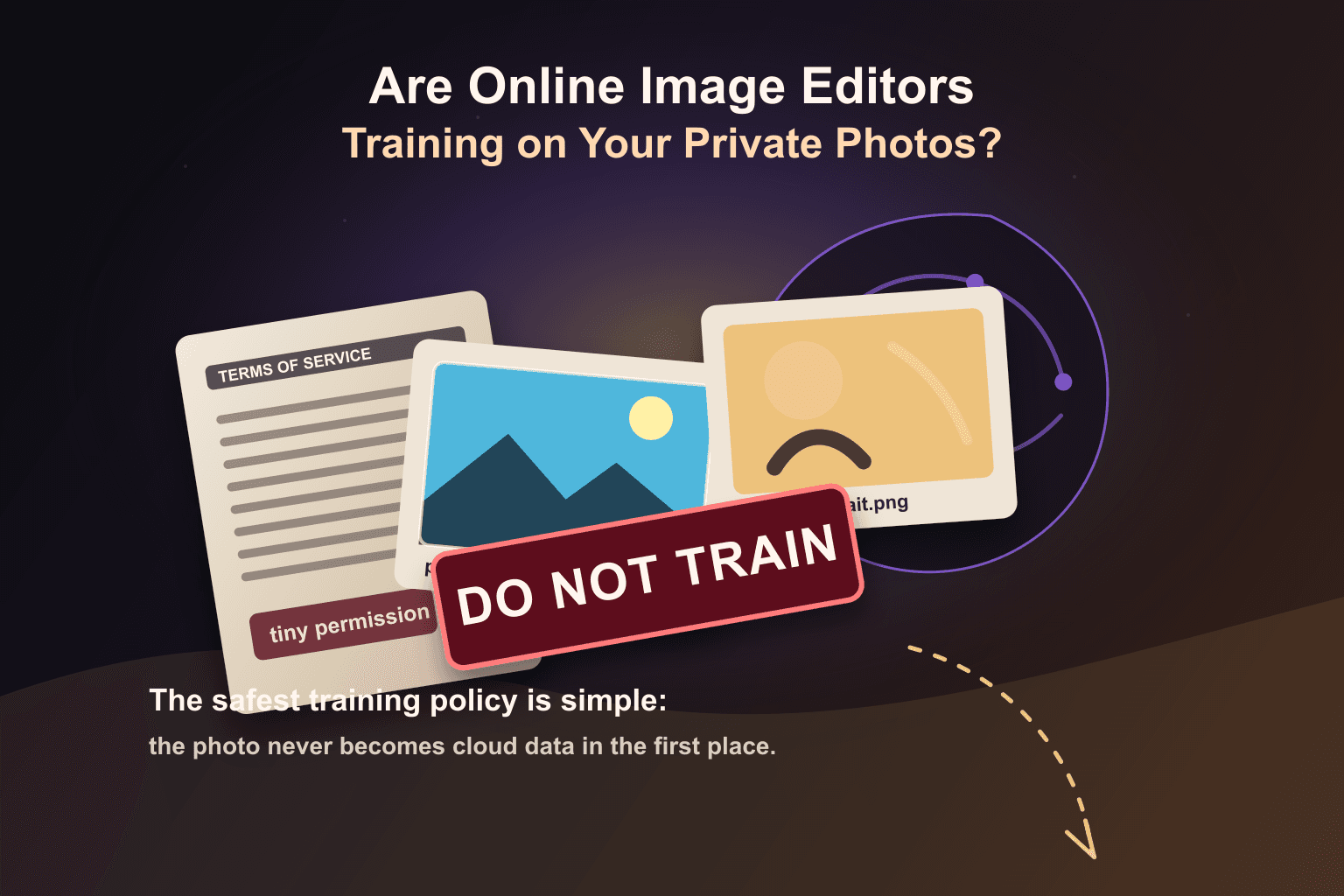
The scariest part of an online image editor is not always the AI button. Sometimes it is the upload button.
A designer uploads a client portrait to clean the background. A photographer uploads unreleased campaign shots to remove objects. A founder uploads product photos before launch. An influencer uploads private images from a home studio.
The visible task is simple. The invisible question is bigger: what is the service allowed to do with the image after it reaches its servers?
Once a private photo is uploaded, privacy depends less on the file and more on the policy.
This is not paranoia. It is the new creator baseline.
Creators have learned that AI models need data. A lot of data. Photos, prompts, masks, edits, labels, clicks, rejected outputs, and before-and-after examples can all be valuable for improving image tools.
That does not mean every company is secretly training on every private upload. The more realistic problem is that every online editor has its own terms, privacy policy, opt-out rules, product improvement programs, and third-party processors. Most users do not read all of that before dragging a photo into a web page.
What the policies actually say
Adobe is a useful example because the backlash around its terms made this issue mainstream. Adobe’s current public FAQ says it does not analyze user content to train generative AI models unless the user chooses to submit content to Adobe Stock. Its current terms also separate local content, cloud content, content analytics, and Adobe Stock submissions.
Read Adobe’s Content Analysis FAQ
Canva’s current Privacy Policy is more direct about service improvement. It says Canva may analyze activity, content, media uploads, and related account data to train algorithms, models, and AI products and services, with privacy controls and specific education-account limits.
Those two examples show the real point: policies differ. Some companies say they will not train generative models on ordinary customer content. Some reserve broader rights to analyze uploaded media for machine learning and AI product improvement. Some offer opt-outs. Some make the details depend on account type, workspace type, region, product, beta program, or marketplace submission.
The upload is the trust moment
When an editor runs in the cloud, your original image usually leaves your device before anything useful happens. That creates a trust moment.
- You trust the company to store the file only as described.
- You trust the company to delete it when it says it will.
- You trust the company not to use it outside the policy.
- You trust the policy not to change in a way you miss.
- You trust every vendor and processor involved in the workflow.
For public marketing assets, that tradeoff may be fine. For private photos, client work, unreleased product images, paid campaign material, children’s photos, personal portraits, or sensitive screenshots, it deserves more thought.
What creators should check before uploading
Before you upload a private image to an online editor, look for a few specific answers instead of vague comfort language.
- Does the service use uploaded content for product improvement, content analysis, machine learning, or AI training?
- Is the setting opt-in, opt-out, or enabled by default?
- Does the policy treat personal, business, education, beta, feedback, and marketplace accounts differently?
- Can humans review private uploads, and under what conditions?
- Are third-party AI models or processors involved in the edit?
- How long are original files, previews, masks, prompts, and outputs retained?
The exact answers matter. But the deeper lesson is simpler: if the tool needs your private photo on a server, you are relying on rules you probably did not write and may not notice when they change.
Why local editing changes the question
Local-first editing removes the most important step from the risk chain. Instead of uploading the original image to a remote editor first, supported Lumli photo tools process the image in your browser on your device.
That means the original photo does not need to become a file sitting on a Lumli editor server for supported actions like background removal, retouching, resizing, compression, conversion, and other local image workflows.
No uploaded photo library means no private photo collection for Lumli to use as training data. There is no cloud queue where your original image waits, no remote project storage required for the edit, and no hidden model-training pipeline built from your private uploads.
The best AI training policy is architectural
A written policy matters. Transparency matters. Opt-outs matter. But architecture matters more than all of them.
If your image has to leave your device, the policy has to protect it. If the image never leaves for the edit, there is far less to protect.
That is the practical promise of Lumli’s local-first approach: your photo stays yours not because you found the right toggle in a privacy dashboard, but because the workflow does not need to collect the original photo in the first place.
Do the edit. Download the result. Keep the source image out of the training-data conversation entirely.
Want photo tools without the training-data question?
Use Lumli’s supported local photo tools in your browser so your original image does not need to become an uploaded file on a remote editor server.
Try Lumli AI ToolsKeep reading
Related articles
Cloud AI vs. Local AI Photo Editors: Which One Protects Your Privacy?
A simple technical comparison of cloud AI editors and local AI photo tools, and what each model means for your private images.
Read articleWhat Happens on Your Device, Stays on Your Device: Bringing Apple's Privacy Standard to Web Tools
Apple made on-device privacy a mainstream expectation. Lumli brings that same local-first idea to browser-based photo and PDF tools.
Read articleHow to Remove Photo Backgrounds Without Accidentally Leaking EXIF & Location Data
A creator privacy guide to removing photo backgrounds without uploading hidden EXIF metadata like GPS location, phone model, and capture time.
Read article