The Death of the Cloud Server: Why the Future of Software is Client-Side AI
As NPUs and browser runtimes get stronger, everyday software no longer needs to send every file to a cloud server.
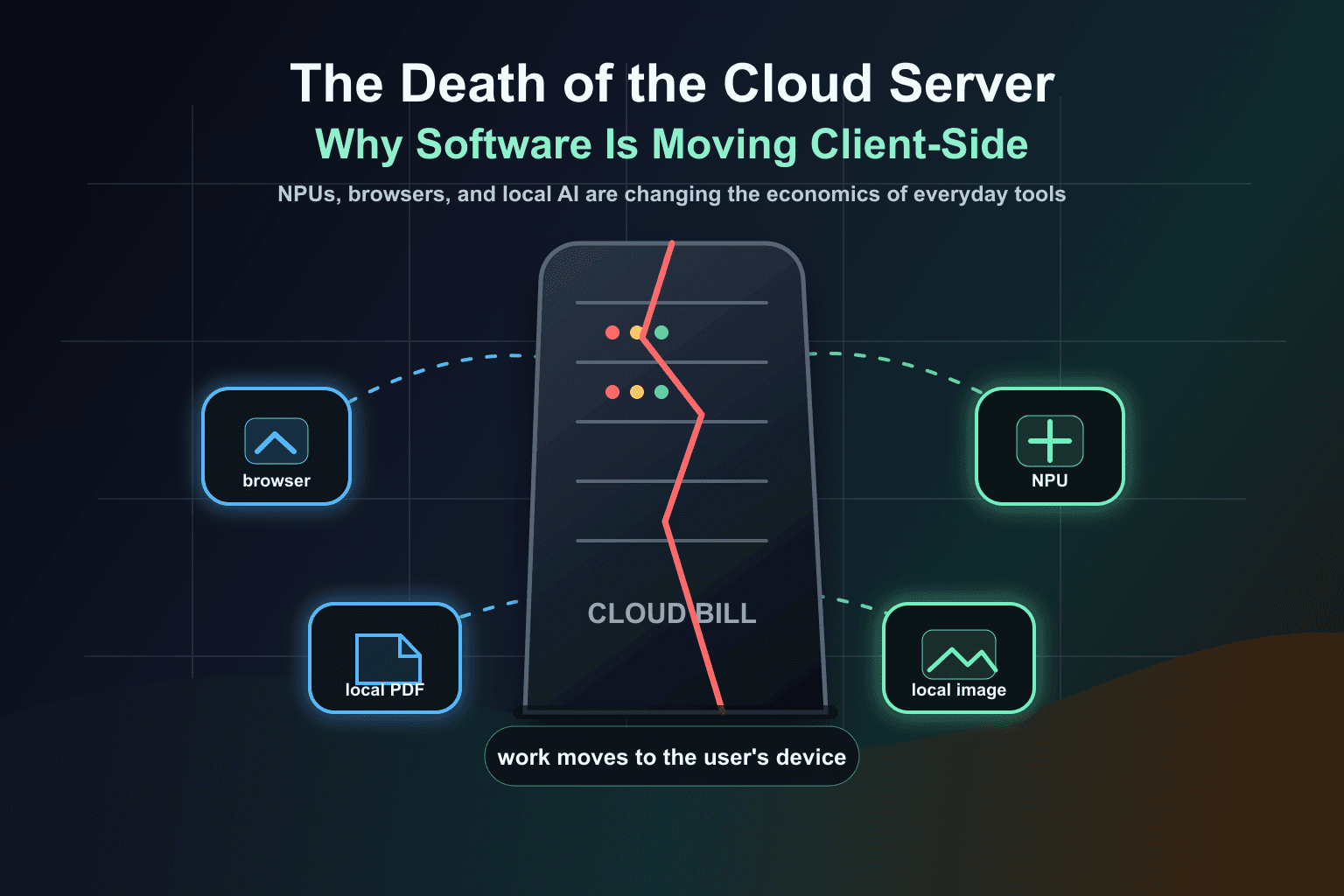
The cloud server is not dead.
But the lazy cloud server is in trouble.
For years, software companies trained users to accept a strange default: upload the file, wait for a remote machine, pay for the subscription, download the result, repeat forever.
That made sense when personal devices were weak and browsers were mostly document viewers. It makes much less sense in a world where laptops and phones ship with neural processors, GPUs, fast memory, and browsers that can run serious local workloads.
The future is not no cloud. The future is no unnecessary cloud.
AI hardware is moving into the device
The hardware trend is clear. Microsoft introduced Copilot+ PCs around new silicon capable of 40+ TOPS for AI workloads and described local AI experiences like Cocreator, Live Captions, and on-device semantic indexes. Apple frames Apple Intelligence around on-device processing first, with private cloud compute only for requests that need more power.
Read Microsoft’s Copilot+ PC announcement
The exact chips and brand names will change. The direction will not. AI acceleration is becoming part of ordinary consumer hardware.
The browser is becoming a real runtime
The second shift is happening inside the web platform. Browsers are no longer just pages and forms. They can run local file APIs, workers, WebAssembly, GPU-backed workloads, and emerging machine-learning interfaces.
Read the W3C Web Neural Network API draft
That matters because the browser is the only runtime that already reaches almost every device. If a tool can run locally in the browser, it can feel like an app without forcing the user into an app store, installer, account, or upload pipeline.
The old cloud business model has a problem
A lot of online tools make money from a cost structure they helped create. They process your file on their server, then charge you because processing your file on their server costs money.
That is a fair trade when the task truly needs remote infrastructure. But for many everyday file operations, the server is not a necessity anymore. It is a habit, a monetization layer, or both.
- If a browser can compress the file locally, why upload it to compress it?
- If a device can remove a background locally, why rent a server for every cutout?
- If a PDF can be split or merged in the tab, why put a cloud queue between the user and the result?
- If the user’s NPU or GPU can run the model, why pay per edit forever?
Client-side AI changes the economics
When work moves to the user’s device, the marginal server cost of that work drops toward zero for the software company. That changes what products can be.
A local-first tool can be faster because there is no round trip. It can be more private because the source file does not need to leave. It can be cheaper because every edit is not burning cloud compute. It can be more resilient because weak internet does not automatically stop the job.
This is why client-side AI is not just a technical architecture. It is a business model shift.
The cloud still has a job
This is not a fantasy where every server disappears. Training frontier models needs massive infrastructure. Collaboration needs shared state. Backups, sync, team approvals, multiplayer workflows, account systems, and huge batch jobs still make sense in the cloud.
But the cloud should become a tool, not a toll booth.
The question should change from “which server should process this?” to “does this task need a server at all?”
Lumli is built for that future
Lumli is a small example of the bigger shift. Supported image and PDF workflows run in the browser, using the device in front of the user instead of sending every source file to remote processing first.
That means common tasks can avoid the upload queue, reduce privacy exposure, and skip the per-file cloud compute cost that often becomes the excuse for subscriptions, limits, and paywalls.
The future of software will not be purely local or purely cloud. It will be local by default, cloud when necessary.
And for everyday tools, that future is already close enough to use.
Want to try software that skips the cloud tax?
Use Lumli for supported image and PDF workflows that run in your browser, so common edits do not need a server bill, upload queue, or remote processing step.
Try LumliKeep reading
Related articles
How to Use AI Photo and PDF Tools in Low-Bandwidth or Restricted Networks
A practical guide to using local-first browser tools when cloud editors are slow, blocked, filtered, or too upload-heavy.
Read articleWhat Happens on Your Device, Stays on Your Device: Bringing Apple's Privacy Standard to Web Tools
Apple made on-device privacy a mainstream expectation. Lumli brings that same local-first idea to browser-based photo and PDF tools.
Read articleThe Loneliest Part of Building Isn't Coding
A quiet note on building Lumli before anyone is watching, and choosing usefulness over constant self-promotion.
Read article