Why Is PDF Compression Still a Cloud Subscription in 2026?
A slightly annoyed, very practical look at why simple PDF compression still asks for uploads, waiting rooms, and monthly plans.
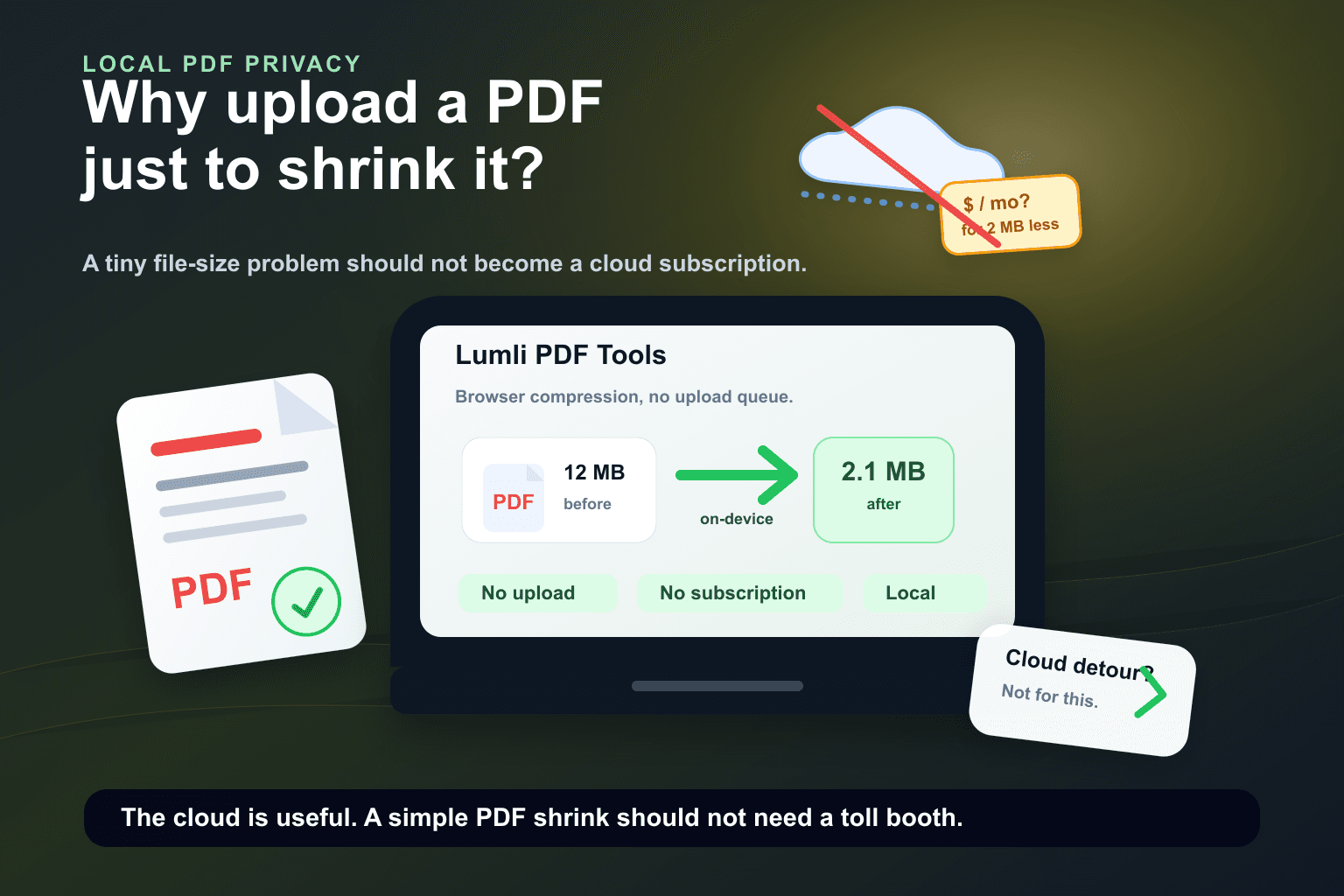
It is 2026. Your laptop can edit 4K video, run local AI models, keep too many browser tabs alive, and still pretend everything is fine.
But somehow, shrinking a PDF can still feel like entering an airport security line. Upload the file. Wait for the server. Watch the spinner. Consider a monthly plan. Download the smaller file. Try not to think about where the original went.
A PDF compressor should not feel like a customs checkpoint.
This is not a complaint about cloud software existing. Cloud tools are useful when a job actually needs the cloud: collaboration, shared storage, approvals, team comments, version history, giant batch jobs, and workflows that move across devices.
The joke is that simple PDF compression is often not that kind of job.
The cloud detour became the default
A lot of online PDF tools still use the same old pattern: send the document to a server, process it there, then send the result back. It is familiar, easy to monetize, and convenient for the company running the service.
It is less convenient for the person holding the file. You may only want to make an invoice smaller, upload a school document, email a contract, or reduce a scanned PDF before a portal rejects it for being too large.
For that, the cloud route can feel wildly overbuilt. Your private document takes a trip across the internet so a remote machine can do a job the device in front of you is already capable of doing.
Compression is not magic
PDF compression can include several techniques: downsampling large images, recompressing embedded images, removing extra metadata, cleaning unused objects, and writing a lighter version of the document.
Some files are complex. Some documents are huge. Some workflows need server infrastructure. But for everyday PDFs, modern browsers and devices are no longer tiny helpless terminals waiting for the cloud to do the serious work.
A current laptop or phone is perfectly capable of handling many common PDF tasks locally, especially when the tool is designed around browser-side processing from the beginning.
The privacy problem is bigger than file size
The funny part is that the files people compress are rarely random. They are often exactly the files you should think twice about uploading somewhere.
- Invoices with names, addresses, and payment details.
- Contracts, NDAs, and legal drafts.
- HR documents, tax forms, and ID scans.
- University forms, assignments, and private research notes.
- Client documents that were never meant to become cloud data.
Again, that does not mean every cloud PDF service is doing something suspicious. It means the model asks for trust before the task has proven that it needs trust.
Then comes the subscription
There is a special kind of comedy in opening a PDF compressor because your file is 12 MB too large, then being invited to subscribe like you are joining a full creative operating system.
You are not launching a design department. You are trying to make a PDF small enough to fit into an upload field that was apparently designed during a slower century.
Monthly pricing can make sense for professional platforms. But when the task is basic, local, and occasional, a subscription prompt starts to feel less like a feature and more like a toll booth.
Why local makes more sense now
Local PDF tools flip the default. Instead of sending the file away, the browser does the work on your device.
- The original PDF does not need to leave your device for the compression job.
- There is no cloud queue between you and the result.
- The tool can keep working even when the connection drops after it loads.
- There is no per-file server cost for the actual compression work.
- The business model does not have to turn one simple action into a monthly plan.
How Lumli skips the cloud bill
Lumli is built around a simple idea: common file work should happen as close to the user as possible. For PDF compression, that means the browser handles the work locally instead of sending the document to a remote editor first.
That is the quiet advantage. Lumli does not need to rent cloud compute for every PDF you compress, because the compression job happens on the device you already own.
No upload ceremony. No mysterious processing server. No subscription trap for a file that only needed to lose some weight.
Cloud services still have their place. But for a simple PDF compression job in 2026, the better question is not "which server should I trust?" It is "why does this need a server at all?"
Want to compress PDFs without the cloud detour?
Try Lumli PDF Tools to compress and manage PDFs locally in your browser without uploading the file to a remote editor.
Try Lumli PDF ToolsKeep reading
Related articles
How to Edit Sensitive Documents Privately in Your Browser (No Cloud Upload)
A practical step-by-step guide to working with sensitive PDFs locally in your browser without cloud uploads.
Read articleThe Ultimate Student Guide to Managing PDFs Securely and for Free
A student-friendly workflow for compressing, merging, splitting, and converting PDFs without premium limits, sign-ups, or cloud uploads.
Read articleWhy Uploading Company PDFs to Online Editors Is a Major Security Risk
Company PDFs often contain contracts, invoices, client records, payroll details, and legal files. Uploading them to online editors can create avoidable risk.
Read article